Mobile App
Offline-First Field Service Report App
- React Native
- Expo
- TypeScript
- Expo Router
- SQLite
- Google Apps Script
- Google Sheets API
- Google Drive
- Gmail
- EAS Build
Overview
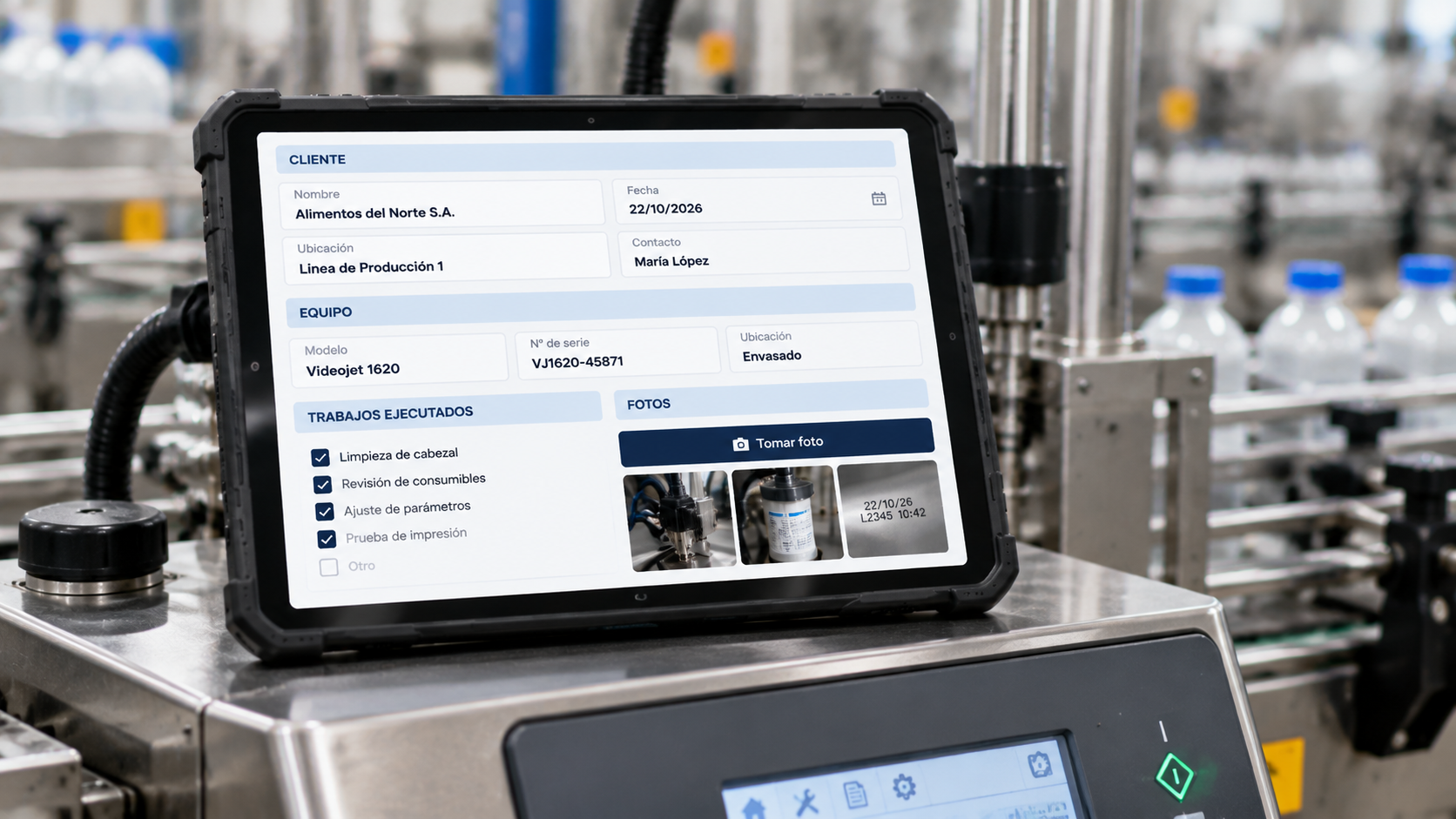
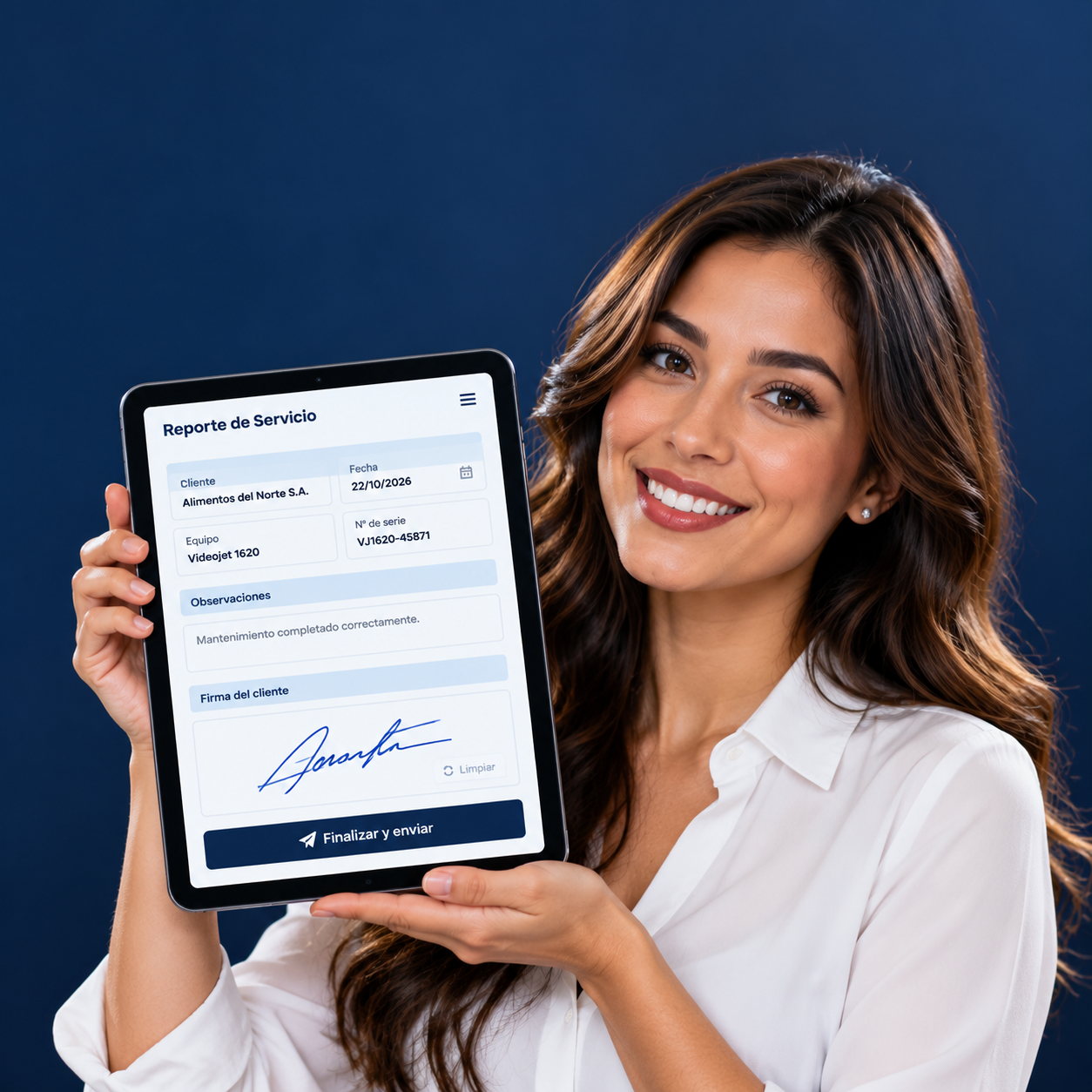
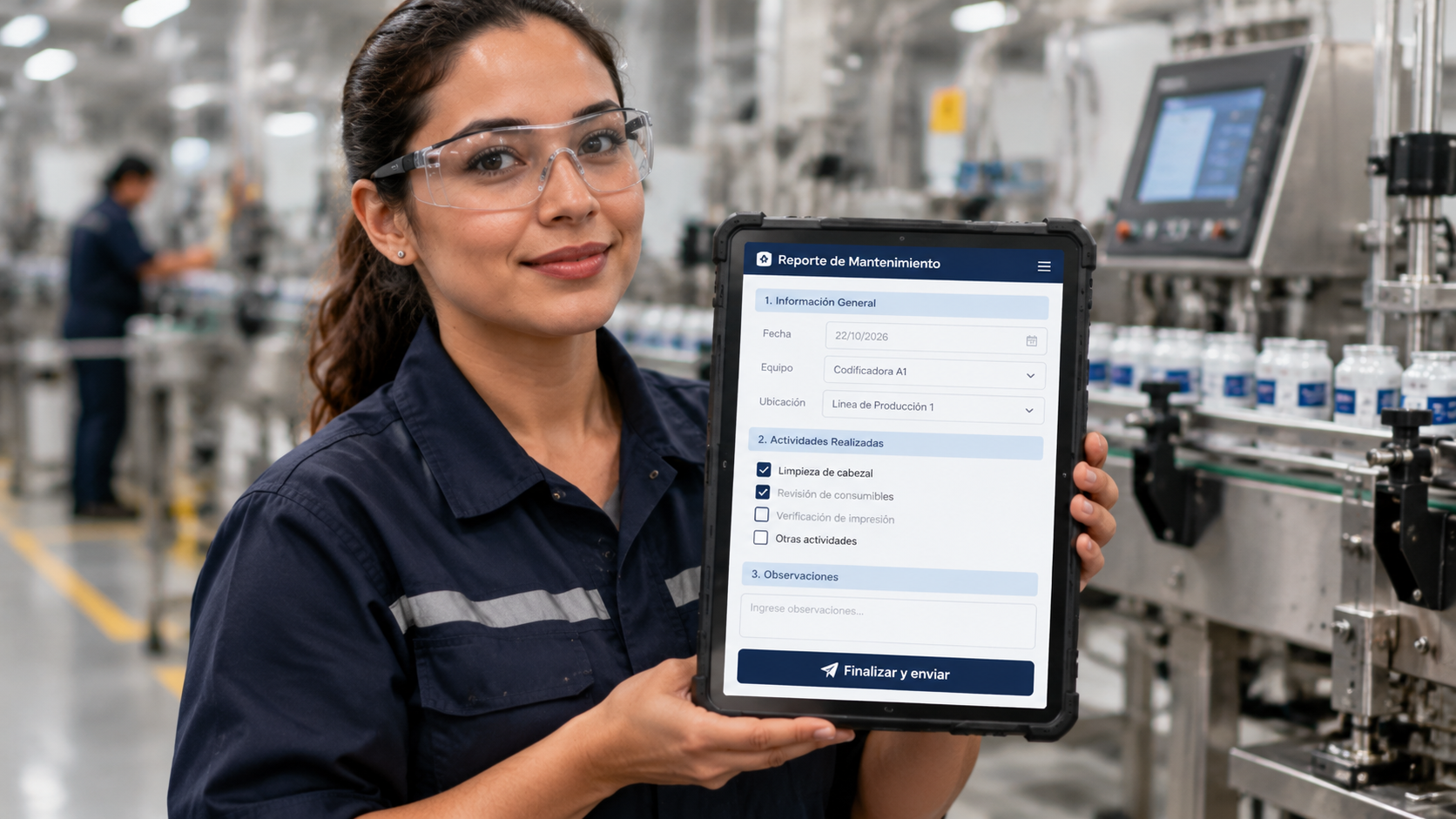
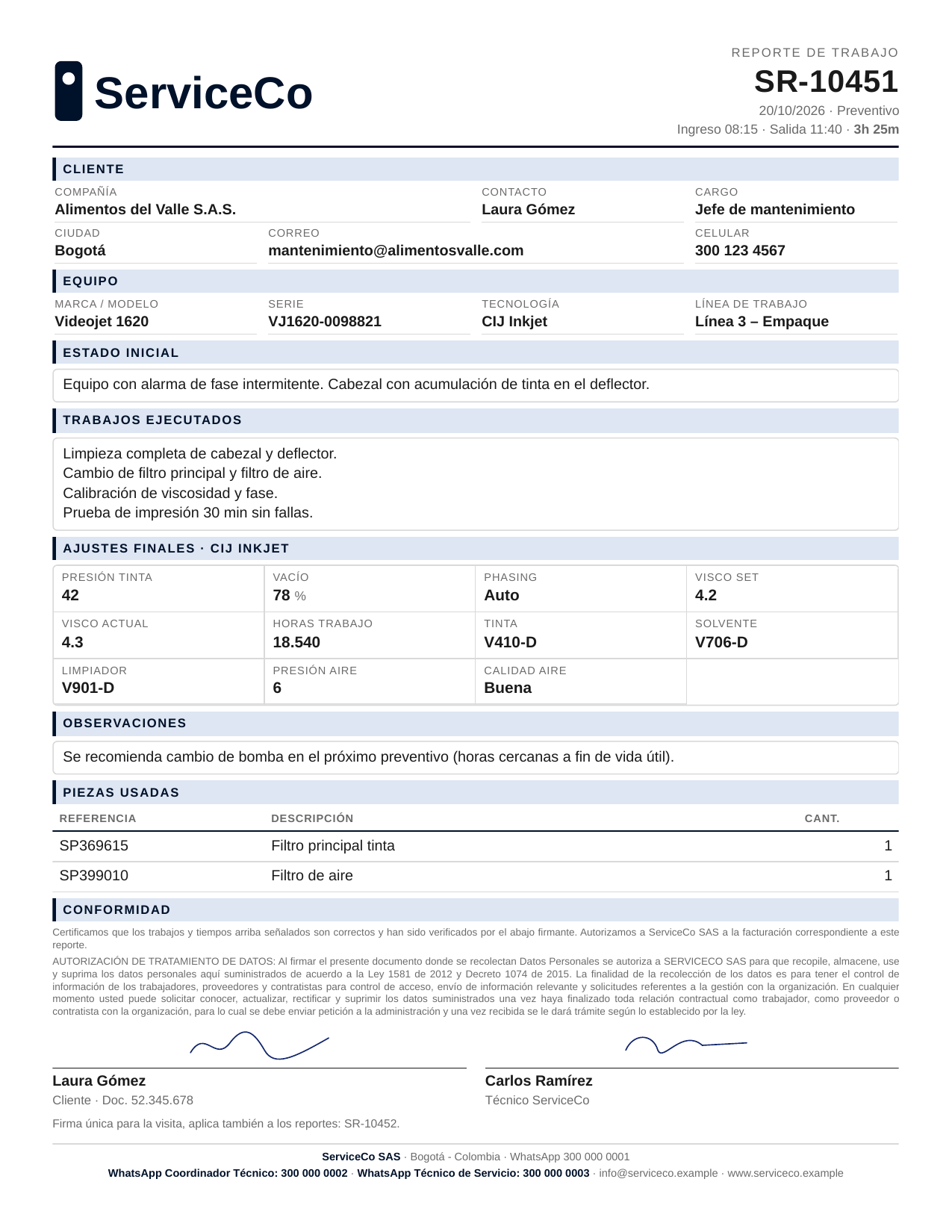
Android tablet app that replaced paper work orders for an industrial printer maintenance company. Technicians fill reports per machine, collect one client signature per visit, and the signed PDF is emailed automatically, even when the job site has no signal.
The client, an industrial inkjet and laser printer service company in Colombia, ran all maintenance visits on paper forms (original + copy). They needed a tablet app their technicians could use on site, with consecutive report numbers, signatures, and automatic email delivery to the company and the end client.
Challenges
- Job sites often have no signal, but report numbers must stay strictly consecutive across several tablets with no duplicates.
- One visit can cover several machines. Each machine needs its own numbered report (for its service history), but the client should sign only once.
- Small budget: no paid server or monthly hosting.
Solution
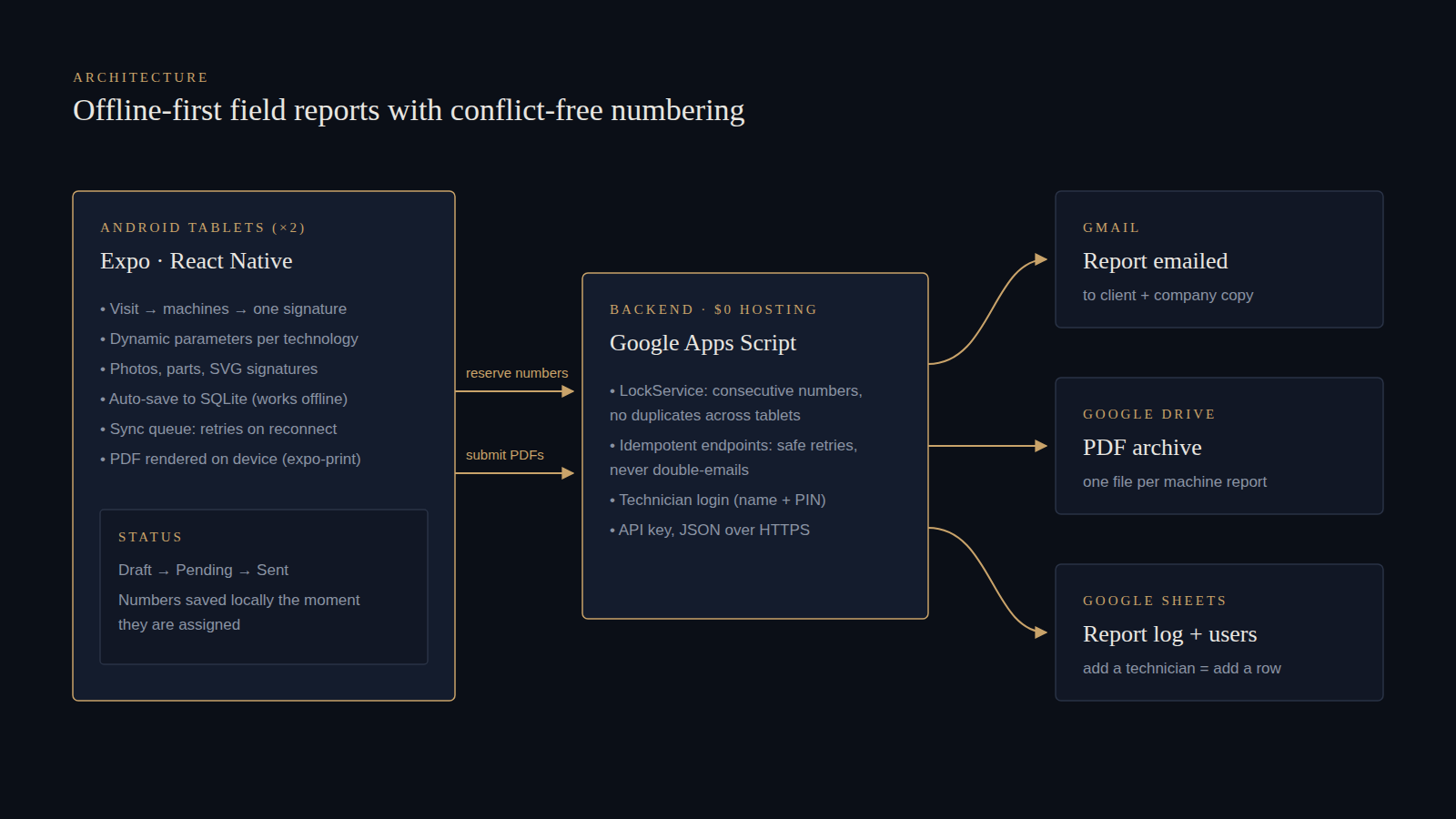
- An Expo / React Native app built for tablets. Every change auto-saves to SQLite, so nothing is lost offline. Finished visits go into a sync queue that retries on reconnect, on app resume, and on a timer.
- A Google Apps Script backend in the client's own Google Workspace, with $0 hosting. LockService assigns the consecutive numbers atomically. Both endpoints are idempotent, so a retry after a dropped connection never uses a new number or sends a duplicate email.
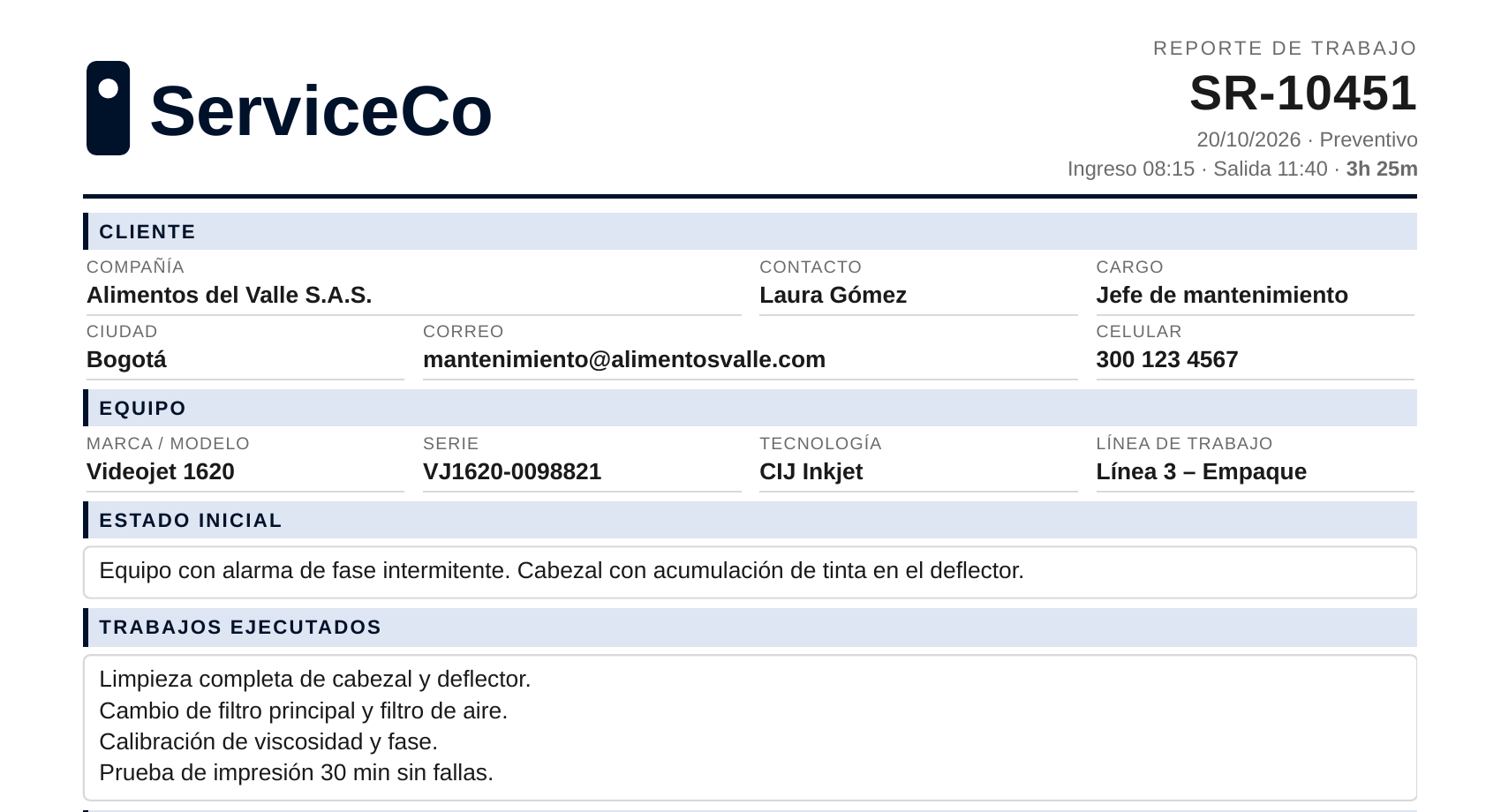
- PDFs are rendered on the device, after numbering, from an HTML template. They are archived in Google Drive, logged in Google Sheets, and emailed to the client with the company in copy.
- Dynamic parameter fields per printing technology (CIJ, Laser, TIJ, PIJ), parts tables, up to 3 compressed photos per machine, and lightweight SVG signatures that work with a stylus.
- Technicians are managed from a spreadsheet row, so the client can add or block users without touching the app.
- The report design went through three rounds of client feedback, ending with a modern branded layout and a Colombian data-protection (Habeas Data) clause.
- Delivered with a setup guide the client followed on their own, a technician user guide, and an APK built with EAS.
Tech stack
- React Native
- Expo
- TypeScript
- Expo Router
- SQLite
- Google Apps Script
- Google Sheets API
- Google Drive
- Gmail
- EAS Build
Gallery
Engagements are handled exclusively through Freelancer. Member details and direct contact are not published.